
Assessment work stays connected
Scope, assets, notes, evidence, findings, tasks, time, QA, and reports remain attached to the engagement that produced them.
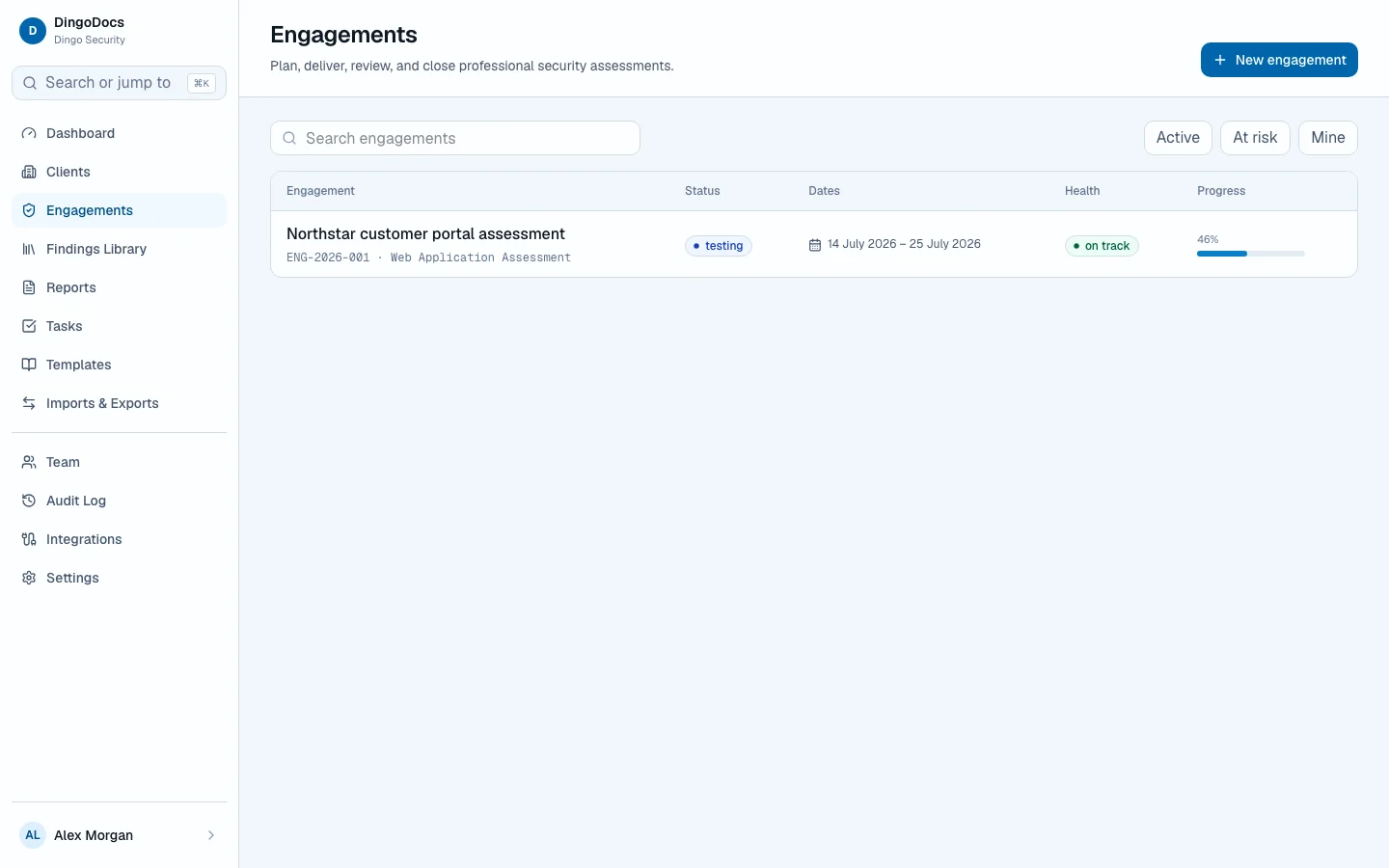
MCP-connected assessment delivery
Point the AI agent you already use at DingoDocs. As it probes, fuzzes, and reads scanner output, it captures the command, the output, and the finding draft on the engagement. You review. Then you issue the report.

DingoDocs follows the work instead of splitting it across documents, tickets, storage drives, and client email.
Approve targets, rules, dates, and delivery responsibilities.
The agent files CLI output, scanner results, notes, and evidence while it tests.
Prioritise findings through explicit authoring, peer review, and publication states.
Issue controlled, white-label reports from the findings the work already produced.
Track client remediation and complete evidence-backed retests.
Model Context Protocol
Connect Grok, Claude, Cursor, or any MCP client with a scoped credential. While it runs Nuclei, Nmap, Burp, ZAP, or a fuzzer, it can store the input, the output, the note, and the write-up without leaving the session.
capture_evidence stores terminal output and filesingest_scanner_results drafts findings from Nuclei, Nmap, Nessus, OpenVAS, ZAP, and Burpcreate_finding_write_up keeps the report body in draftCredentials carry defined scopes. Nothing reaches a client until a person advances the draft.
Review the public MCP source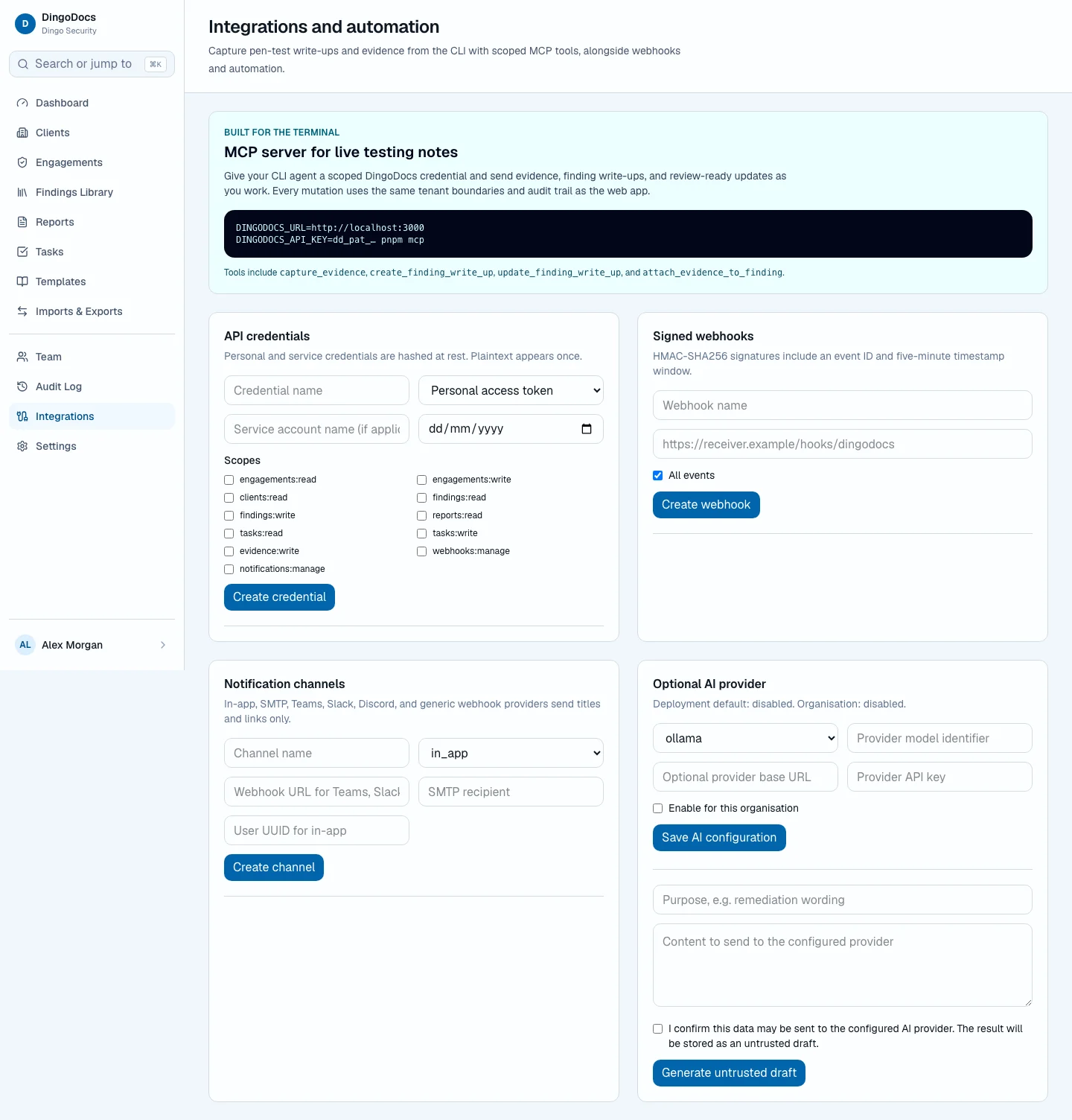
The workspace surfaces delivery state, review work, risk, and deadlines without turning the assessment into another dashboard project.

Every important state is explicit: who can act, what clients can see, what changed, and which report version was approved.
Scope, assets, notes, evidence, findings, tasks, time, QA, and reports remain attached to the engagement that produced them.
Classification, checksums, retention, legal holds, annotations, and links to findings remain visible and auditable.
Named client contacts receive engagement-specific access to shared findings, reports, evidence, remediation, and retests.
Render controlled PDF, DOCX, HTML, and Markdown deliverables from approved findings and evidence.
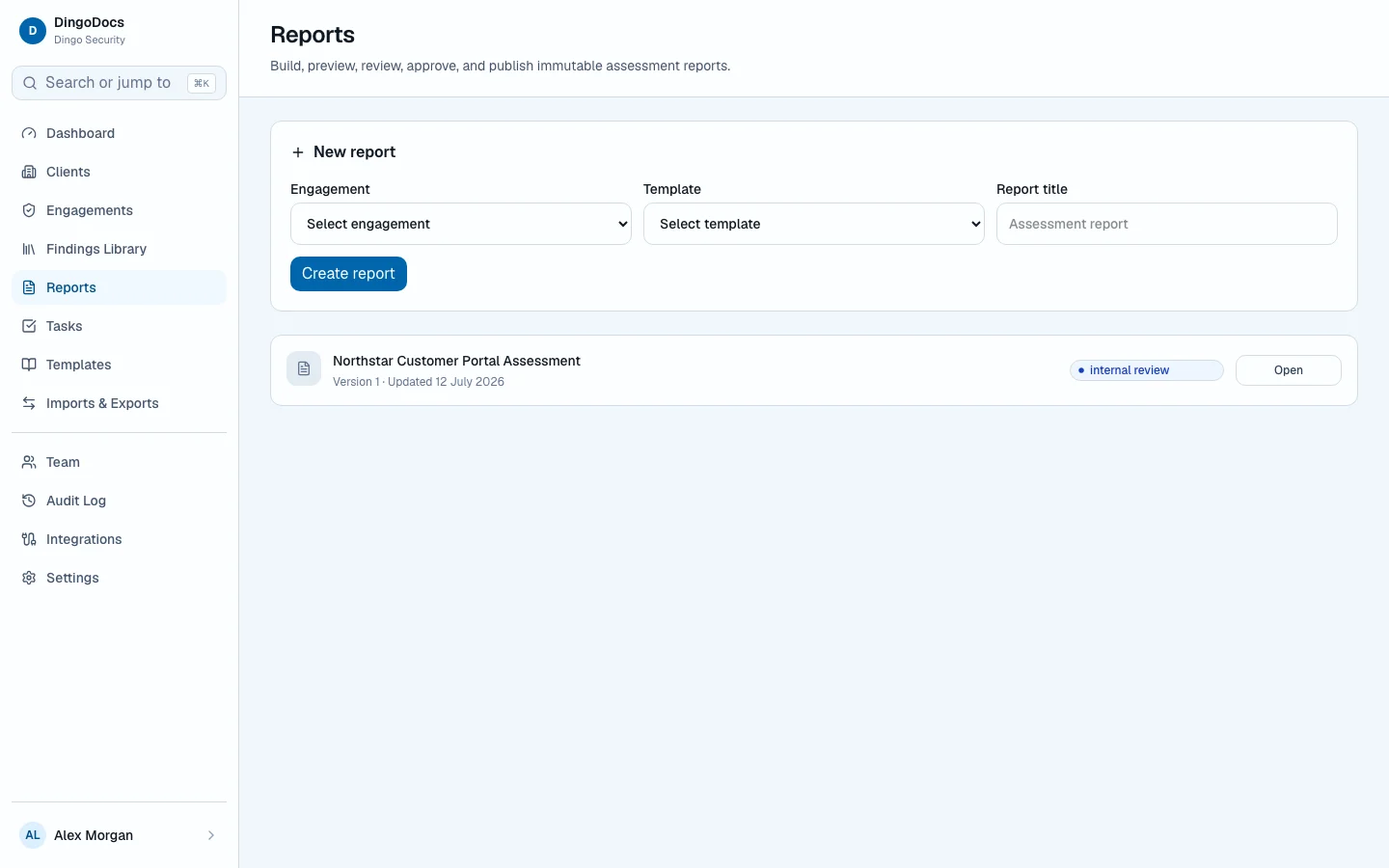
Store date-time values as UTC instants, then display and interpret them in each user’s chosen IANA time zone.
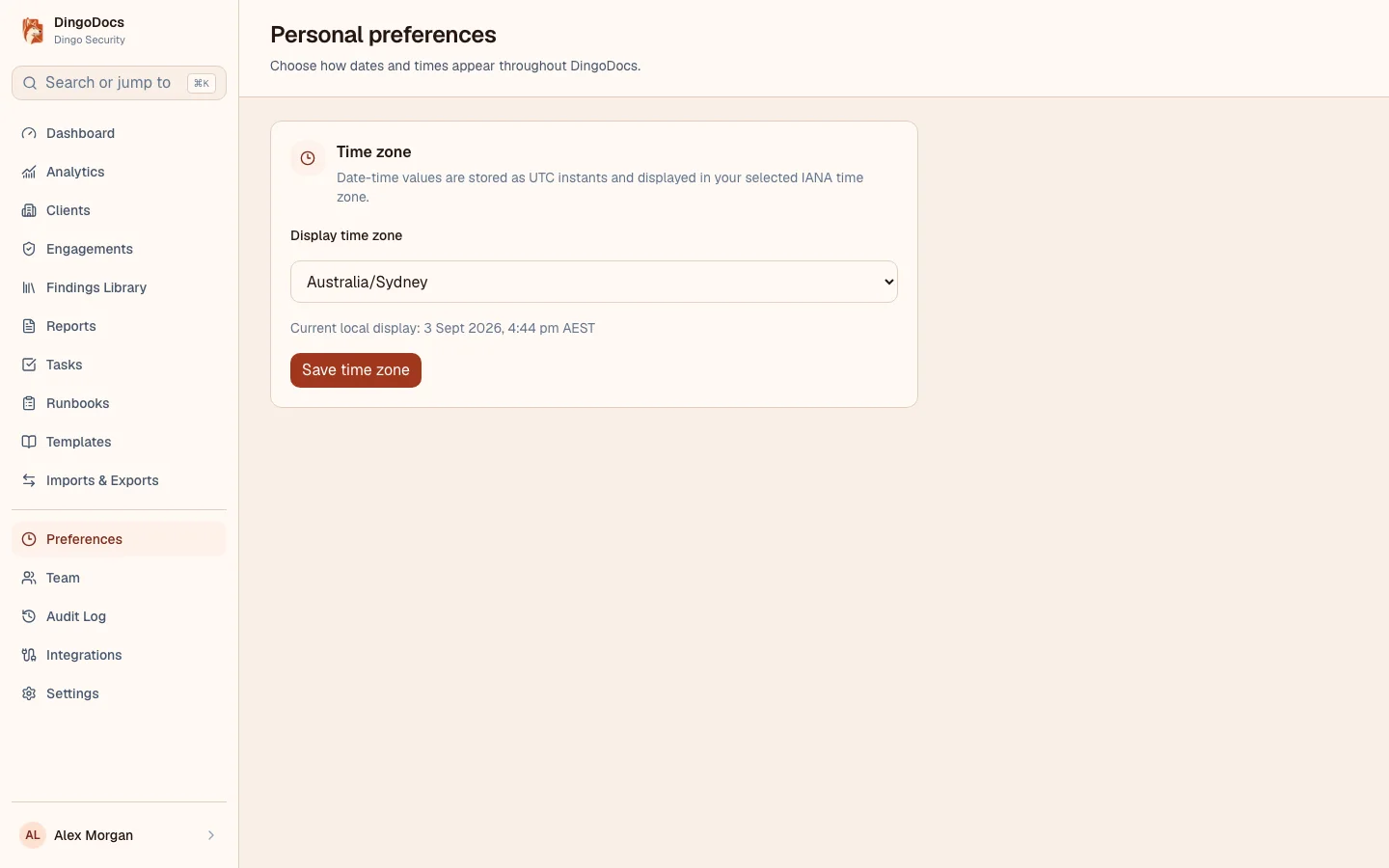
MCP captures terminal output, scanner imports, testing notes, timeline events, and finding drafts as the agent probes and fuzzes. Clients see none of it until a person publishes.
Publish reusable procedures, apply immutable snapshots to engagements, and link each test step to evidence, findings, or follow-up work.
Filter severity, workflow state, age, deadlines, and client exposure so the next priority is clear.
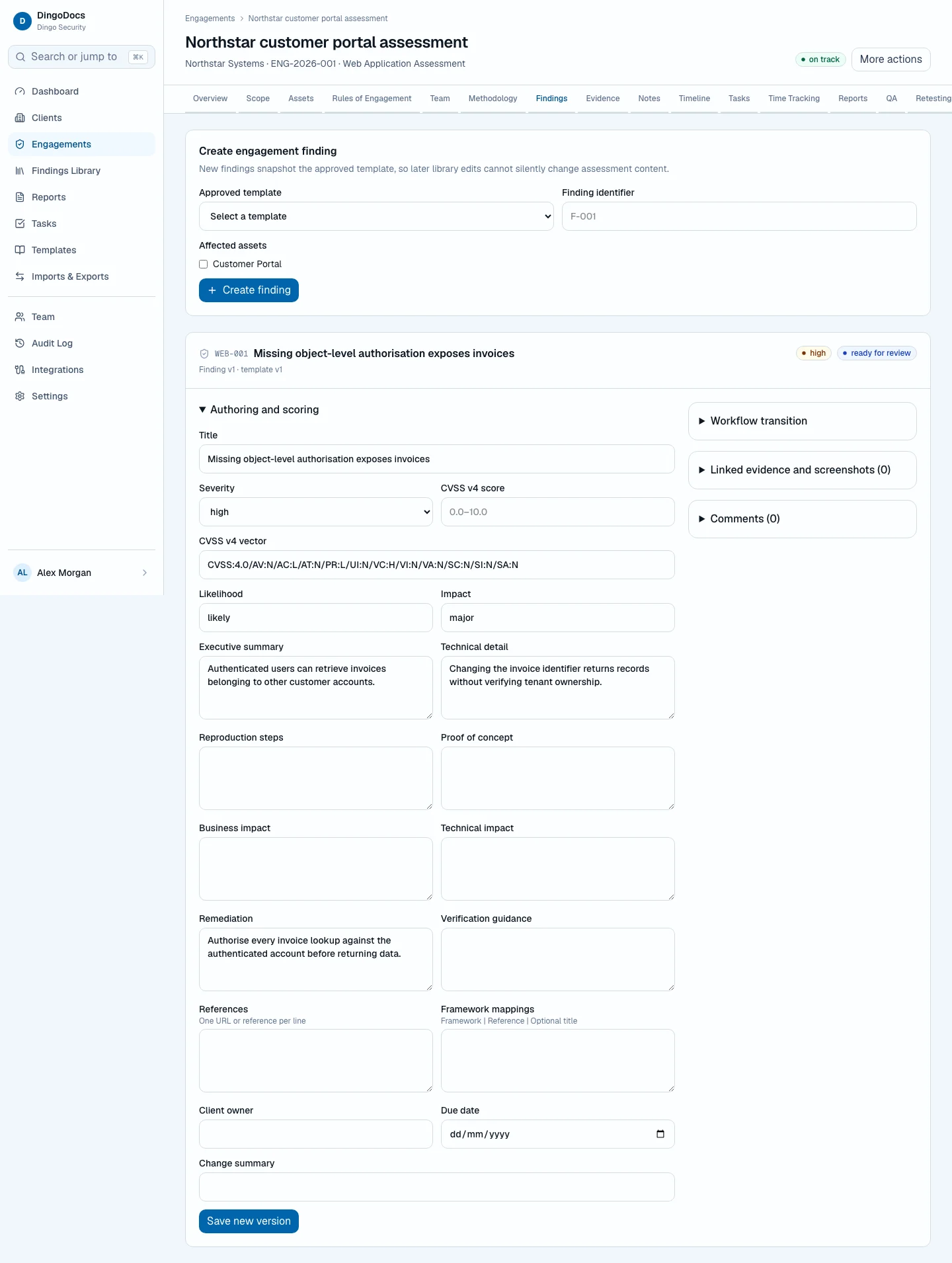
Findings carry structured technical detail, impact, remediation, evidence, comments, ownership, and review history.
Customer-controlled deployment
Operate DingoDocs inside your security boundary. Control identity, storage, access, backups, retention, integrations, and recovery.
See how DingoDocs captures testing work as it happens, then turns reviewed findings into the report you issue.
Book a call